Spectrum and spectrogram views can both make an audio problem look obvious, yet they answer different questions. I use them as a pair of measuring tools rather than a verdict machine: one shows what is present at a moment, the other shows when it changes. Choosing the right view keeps a small noise issue from becoming an unnecessary repair.
Start with the question a single spectrum can answer
Begin with the ordinary listening question, not the colorful display. If a narrow whistle appears at 3:18, pause there, repeat the same second, and decide whether it follows the vocal, a cymbal hit, or a note on the instrument. Frequency analysis is useful because it turns that vague irritation into a location and a pattern. It is less useful when it encourages a repair before the sound has been heard in the full mix.
Use a short loop and keep the playback level modest. A large analyzer view can make harmless texture look alarming, while a real click may be easy to miss if the timeline is zoomed too far out. I compare the suspect moment with the adjacent clean bar, using the same channel selection and analyzer range. That comparison is more persuasive than a single dramatic screenshot.
Settings change the story. FFT size, averaging, window shape, display range, and stereo or mono selection all affect what becomes visible. Save the settings with a note of the timestamp if a later edit depends on them. Otherwise a difference between two images can be caused by the tool, not by the audio.
Use a spectrum to compare steady tones
Do one reversible intervention at a time. A narrow dip, a short gain edit, or a different source render can be compared honestly. Several sweeping changes at once may make the graph prettier while leaving the musical problem untouched. Return to normal playback after each edit; the ear remains the final judge.
Context decides whether a feature is a flaw. High energy can be a cymbal, breath, consonant, tape-like texture, or distortion. Low energy can be a deliberate gap, a fade, or a missing bass fundamental. The useful question is whether the event distracts from the arrangement on more than one playback path.
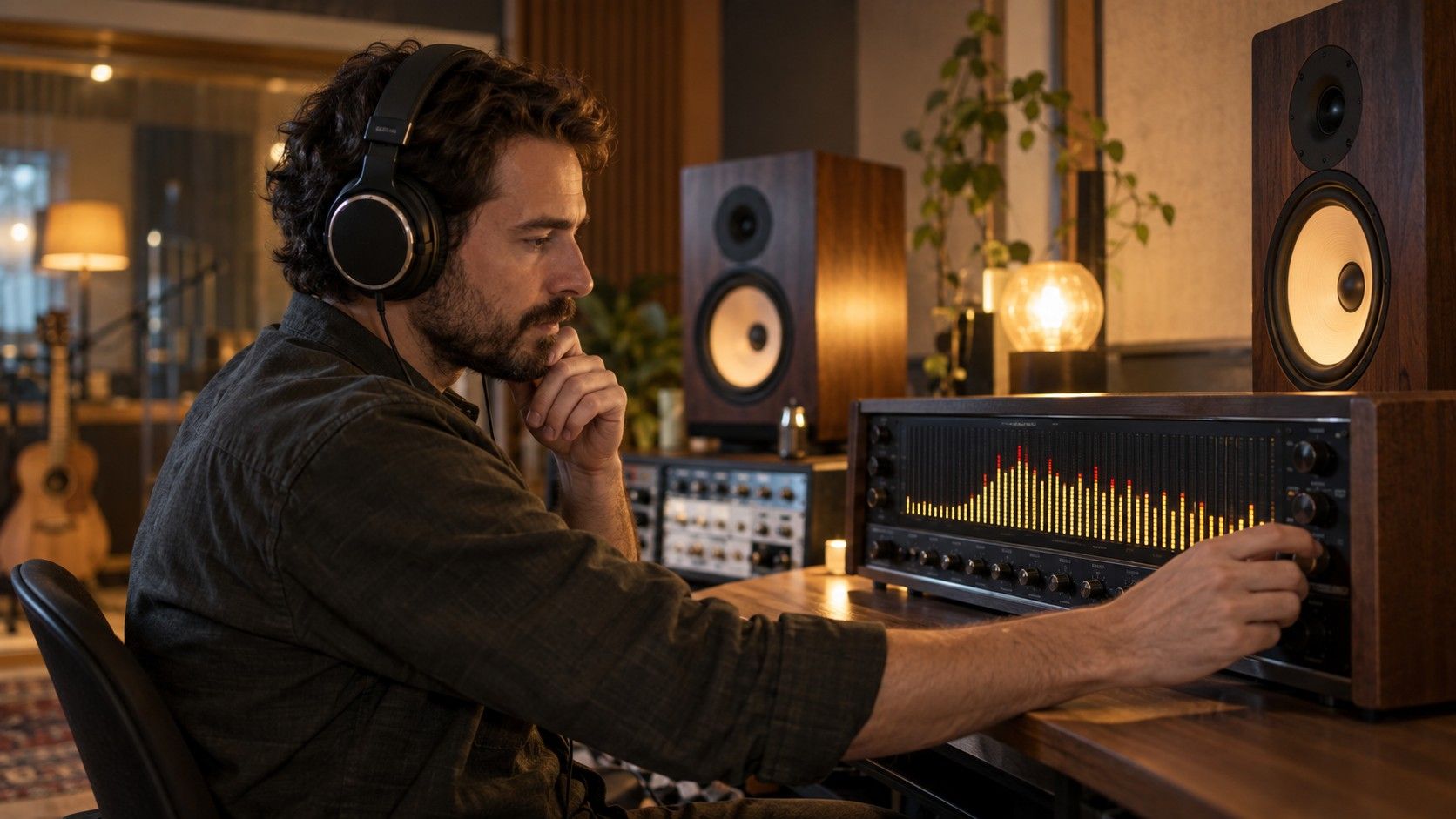
A spectrum is a snapshot of level across frequency at one moment or over an averaged passage. It excels when the issue is stable: room rumble under a spoken phrase, a fixed electrical whine, or a bass note that keeps landing too hard. It is poor at explaining the sequence of events that produced the shape.
Use a spectrogram when timing matters
Begin with the ordinary listening question, not the colorful display. If a narrow whistle appears at 3:18, pause there, repeat the same second, and decide whether it follows the vocal, a cymbal hit, or a note on the instrument. Frequency analysis is useful because it turns that vague irritation into a location and a pattern. It is less useful when it encourages a repair before the sound has been heard in the full mix.
Settings change the story. FFT size, averaging, window shape, display range, and stereo or mono selection all affect what becomes visible. Save the settings with a note of the timestamp if a later edit depends on them. Otherwise a difference between two images can be caused by the tool, not by the audio.
A spectrogram adds time on the horizontal axis, so a one-frame click, a rising chirp, and a sustained hiss leave different traces. That makes it useful for checking transitions, word endings, and drum attacks. Zoom into a few seconds first; an entire song view is a map, not evidence.
Choose the view for a repair decision
Do one reversible intervention at a time. A narrow dip, a short gain edit, or a different source render can be compared honestly. Several sweeping changes at once may make the graph prettier while leaving the musical problem untouched. Return to normal playback after each edit; the ear remains the final judge.
| Question | Better first view | Practical check |
|---|---|---|
| Is there steady low rumble? | Spectrum | Compare a spoken gap with active music |
| When does a chirp begin? | Spectrogram | Loop the transition at close zoom |
| Did an EQ move reduce a tone? | Spectrum | Match level and analyzer settings |
| Did a cut create a click? | Spectrogram | Inspect the edit boundary and listen |
Context decides whether a feature is a flaw. High energy can be a cymbal, breath, consonant, tape-like texture, or distortion. Low energy can be a deliberate gap, a fade, or a missing bass fundamental. The useful question is whether the event distracts from the arrangement on more than one playback path.
Avoid the familiar reading mistakes
Use a short loop and keep the playback level modest. A large analyzer view can make harmless texture look alarming, while a real click may be easy to miss if the timeline is zoomed too far out. I compare the suspect moment with the adjacent clean bar, using the same channel selection and analyzer range. That comparison is more persuasive than a single dramatic screenshot.
Settings change the story. FFT size, averaging, window shape, display range, and stereo or mono selection all affect what becomes visible. Save the settings with a note of the timestamp if a later edit depends on them. Otherwise a difference between two images can be caused by the tool, not by the audio.
Context decides whether a feature is a flaw. High energy can be a cymbal, breath, consonant, tape-like texture, or distortion. Low energy can be a deliberate gap, a fade, or a missing bass fundamental. The useful question is whether the event distracts from the arrangement on more than one playback path.
Keep both views in a small workflow
Begin with the ordinary listening question, not the colorful display. If a narrow whistle appears at 3:18, pause there, repeat the same second, and decide whether it follows the vocal, a cymbal hit, or a note on the instrument. Frequency analysis is useful because it turns that vague irritation into a location and a pattern. It is less useful when it encourages a repair before the sound has been heard in the full mix.
Do one reversible intervention at a time. A narrow dip, a short gain edit, or a different source render can be compared honestly. Several sweeping changes at once may make the graph prettier while leaving the musical problem untouched. Return to normal playback after each edit; the ear remains the final judge.
Context decides whether a feature is a flaw. High energy can be a cymbal, breath, consonant, tape-like texture, or distortion. Low energy can be a deliberate gap, a fade, or a missing bass fundamental. The useful question is whether the event distracts from the arrangement on more than one playback path.